
Download Collage FX Studio – Collage, Photo Editor, Image Effects, Frames, ClipArt, Retouching, Creative Design
Overview
Collage FX Studio is a dedicated mobile application designed to empower users with the tools needed to create personalized photo collages with ease. The app serves as a creative utility for individuals seeking to combine multiple images into visually engaging compositions, offering a blend of artistic expression and practical image manipulation. It addresses the growing demand for accessible, on-the-go photo editing solutions, particularly among users who value visual storytelling through curated image layouts. The app is especially suited for hobbyists, social media enthusiasts, and casual photographers who want to enhance their digital memories with fun, expressive designs.
Target users include anyone interested in photo editing, from beginners exploring creative tools to more experienced users looking for a lightweight yet functional platform. The app’s focus on intuitive design and diverse effects makes it suitable for users across different age groups and skill levels. Although the developer, Collage FX Studio, is listed as the creator, no additional background information is available regarding their history or other products. The app’s release date of December 11, 2011, places it among the early mobile photo editing tools, reflecting a time when mobile creativity apps were emerging as mainstream utilities.
Real-world use cases include creating birthday cards, event memorabilia, social media posts, and digital scrapbooks. Its ability to support multiple image formats and integrate decorative elements like ClipArt and transparent masks adds practical value in personal and informal creative projects. Within the mobile app ecosystem, Collage FX Studio occupies a niche role as a lightweight, focused tool for collage creation, standing out for its emphasis on accessibility and artistic flexibility.
Key Features & Functionality
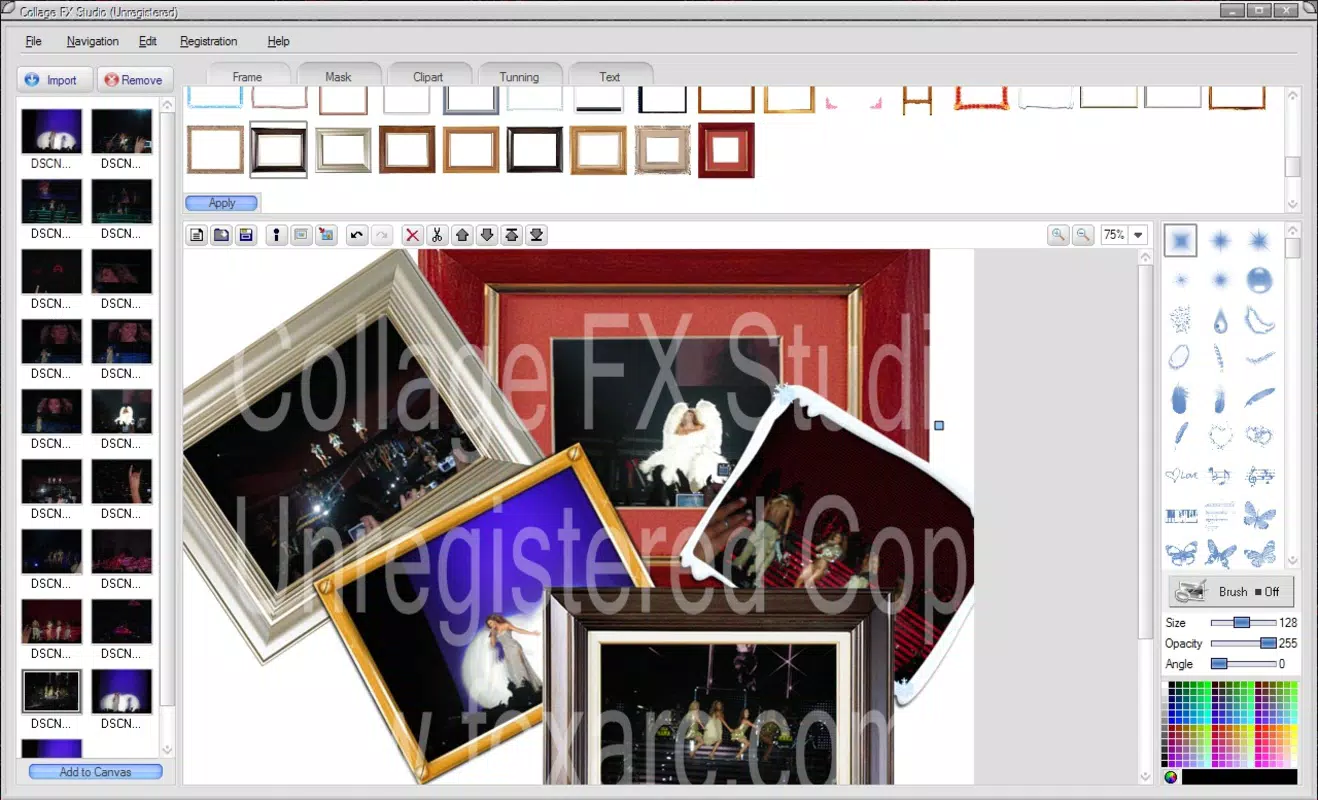
- Easy Image Import: Users can select and insert images one by one into the editing workspace, enabling a step-by-step collage-building process. Each image can be rotated and resized to fit specific layout preferences, ensuring precise alignment and composition.
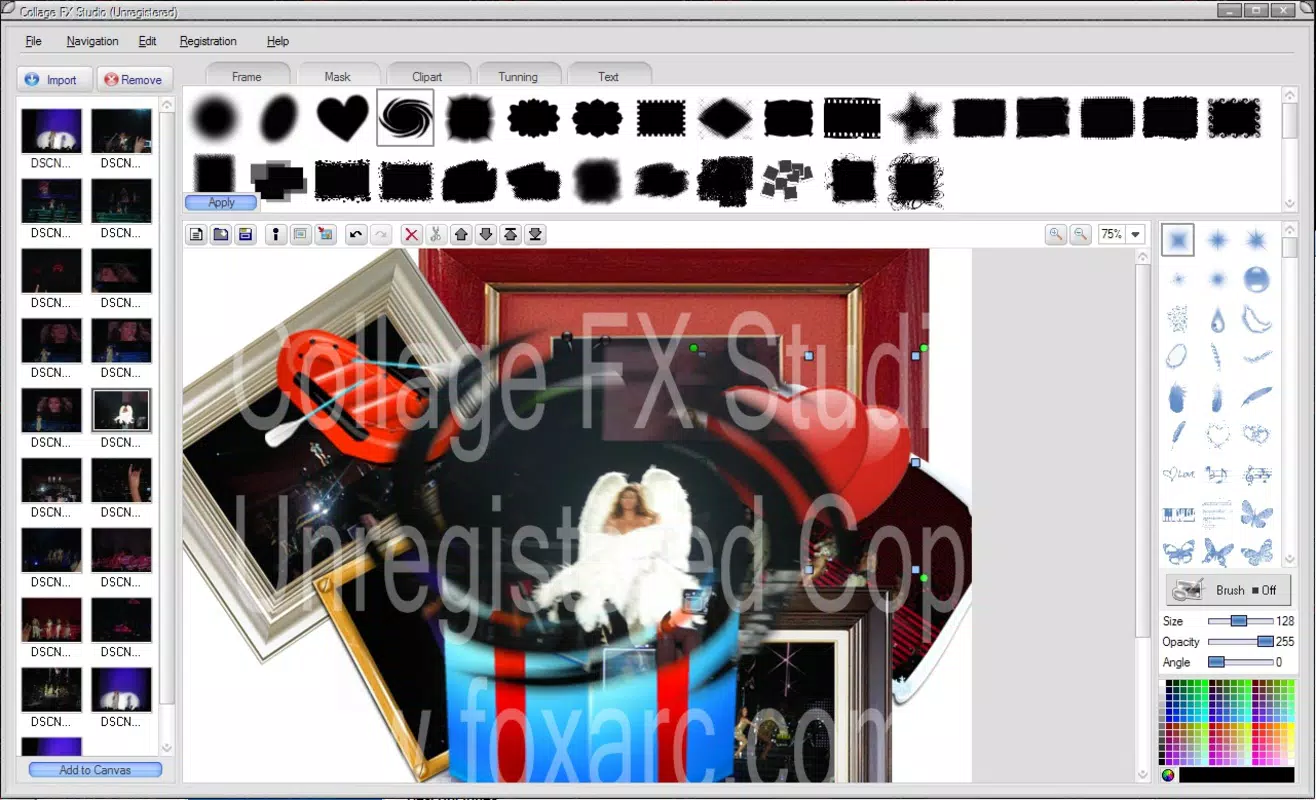
- Customizable Effects: The app provides a selection of transparent mask effects, including thematic designs such as stars and hearts, which can be layered over images to add visual interest. Traditional picture frames are also available, offering a polished, finished look to individual photos within the collage.
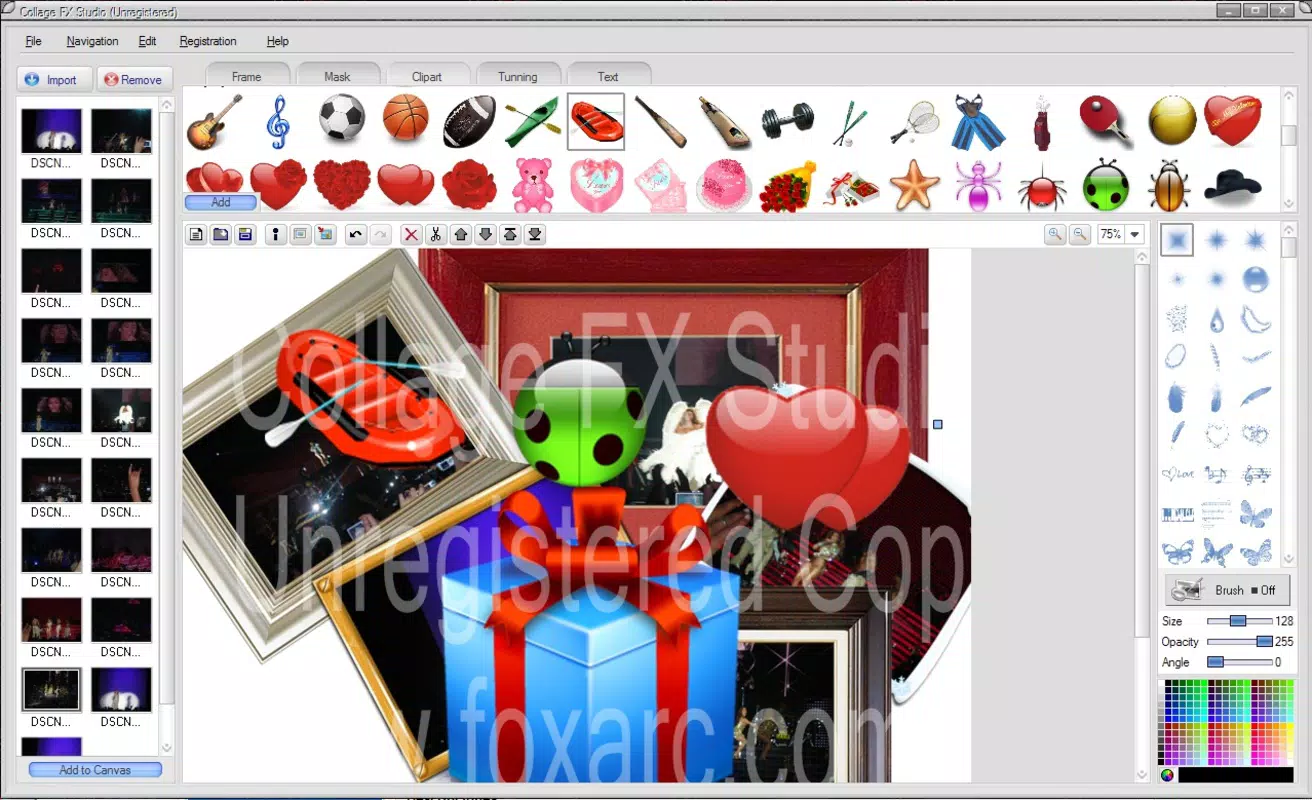
- Extensive ClipArt Library: With over a hundred ClipArt assets, users gain access to a diverse collection of decorative graphics. These elements can be placed strategically within the collage to personalize designs and add unique stylistic touches.
- Multiple Format Support: Collage FX Studio supports common image formats including JPG, GIF, BMP, and others. This ensures compatibility with a wide range of source files and allows for seamless export in any supported format, enhancing workflow flexibility.
- Advanced Image Editing: Built-in tools allow users to adjust brightness, contrast, and saturation directly within the app. These capabilities support further customization, enabling users to refine the appearance of each image before finalizing the collage.
For example, a user creating a birthday collage can import photos of the celebrant, apply a star-shaped mask over one image, add a heart-shaped ClipArt near the center, and adjust the brightness to unify the lighting across all images. The app’s modular features work together to streamline the creative process, making it efficient even for users with limited editing experience.
Interface, UX & Performance
Collage FX Studio features a clean, user-friendly interface that prioritizes accessibility and ease of navigation. The layout is designed to guide users through the collage creation process in a logical sequence, with tools and options arranged in clearly labeled sections. Visual feedback is consistent, with real-time previews of changes such as rotations, resizing, and effect applications, enhancing the overall user experience.
Navigation is intuitive, allowing users to switch between image import, editing, and layout adjustments with minimal effort. The app maintains responsiveness across various device categories, though specific performance metrics were not provided by the developer. Although the developer did not list formal performance metrics, the app’s lightweight file size of 12.7 MB suggests optimized resource usage, which may contribute to stable operation on older or mid-tier Android devices.
Stability appears to be a strength, as the app has remained available since its 2011 release, indicating long-term functionality. However, no recent updates or compatibility notes were disclosed. The absence of reported crashes or bugs in public records suggests consistent performance, though users are advised to test the app on their specific device to confirm smooth operation.
Platform Compatibility & Technical Requirements
Collage FX Studio is available exclusively on the Android platform. The current version is 1.1.2, with a file size of 12.7 MB, making it a lightweight download suitable for devices with limited storage. The app is offered free of charge, with no in-app purchases or subscription fees reported.
Specific minimum OS requirements were not listed by the developer. As such, compatibility with current Android versions cannot be confirmed. The developer did not specify whether the app supports Android 5.0 or higher, or if it is optimized for newer device hardware. Users are advised to check device compatibility before installation. Additionally, no information was provided about required permissions or background processes.
Pros and Cons
- Free to download and use with no hidden costs
- Lightweight size (12.7 MB) suitable for older or low-storage devices
- Supports multiple image formats including JPG, GIF, and BMP
- Intuitive interface ideal for beginners and casual users
- Offers a wide range of creative tools such as frames, effects, and ClipArt
- Outdated release date (2011) raises concerns about modern compatibility
- No official update history or recent development activity
- Missing technical specifications such as OS version and permissions
- Unsupported on iOS or other platforms
- Limited information on performance on newer devices
FAQ
Is Collage FX Studio available for iOS devices?
Currently, the app is only available on the Android platform. There is no official iOS version reported by the developer.
Can I use Collage FX Studio without an internet connection?
Yes, the app functions entirely offline. All editing tools and features are available without requiring an internet connection.
Does Collage FX Studio support high-resolution images?
The app supports multiple image formats including JPG, GIF, and BMP, which can include high-resolution files. However, specific resolution limits were not disclosed.
How often is Collage FX Studio updated?
The app was last released on December 11, 2011. No recent updates have been published, and the developer has not announced a new update cycle.
Is Collage FX Studio safe to download and install?
Yes, the app is free and available through official Android channels. As with any third-party app, users should ensure they download from trusted sources to maintain device security.
Final Thoughts
Collage FX Studio remains a notable example of early mobile creativity tools, offering a focused set of features for photo collage creation. While its age is evident, the app’s lightweight design, free access, and diverse editing tools still provide value for users seeking a simple, functional platform for artistic expression. It excels in accessibility and ease of use, making it ideal for beginners and those who prefer a no-frills approach to photo editing.
Despite its outdated release date and lack of recent updates, the app continues to serve as a reliable utility for personal projects, especially for users who prioritize creativity over modern enhancements. For those looking to craft fun, personalized collages with frames, effects, and ClipArt, Collage FX Studio delivers a straightforward, effective solution.
Download Collage FX Studio now


